How do I get a single-line (centreline) file for embroidery or a pen plotter?
Updated on
Drop the drawing into the Homotope workshop and pick the Single stroke preset: each line becomes a single centreline path, followed once, to download as an SVG or DXF production export for a pen plotter, laser engraving or running-stitch embroidery.
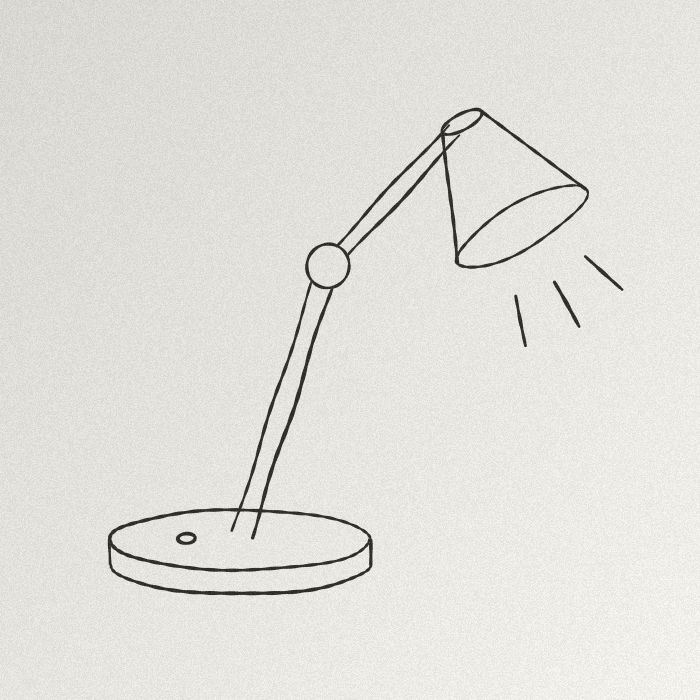 JPG · 700 × 700 px
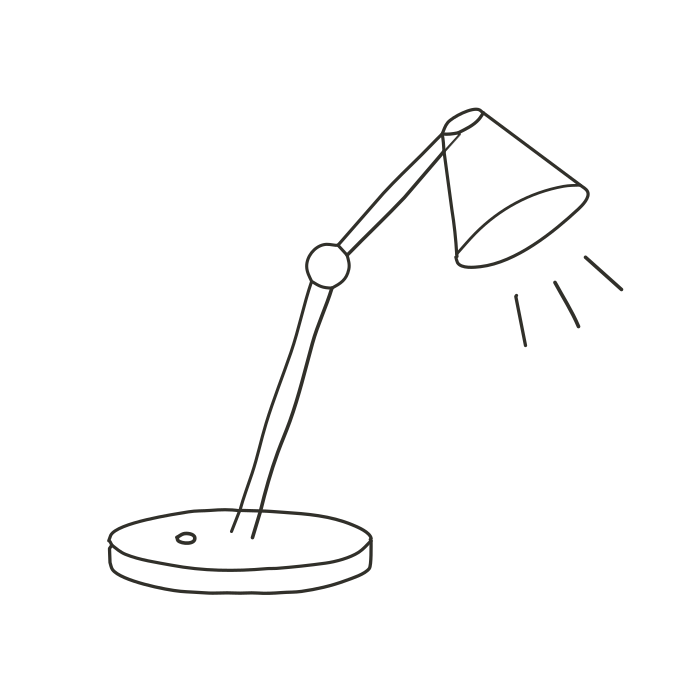 Engine SVG
What Single stroke produces
- A centreline trace: the axis of each ink line instead of its two edges. A plotter does not draw the same line twice.
- In the SVG, one
strokepath per line, at the measured width; in the DXF, one open polyline per pass (closed for a loop), with no width. - A single ink is traced: the fixed palette is not available.
Production exports (DXF, EPS, PDF, separations): 2 free per month with an account, unlimited with Pro; without Pro, 1 credit each beyond those 2. The details: how much vectorizing costs.
Steps and settings
- Drop a drawing with clean lines on a light background into the workshop (for a photo, see a pencil sketch to SVG).
- Pick Single stroke.
- In “Advanced”: “Minimum width” (no line thinner, your pen diameter), “Spurs” (removes small branches and isolated specks), “Smoothing tolerance” (allowed gap between the measured axis and the curve).
- Download the SVG or DXF. “Copy SVG” is disabled with Single stroke: every download counts.
Nothing leaves your computer: see vectorize without uploading.
Embroidery: what Homotope does not do
Homotope does not produce stitch files (DST, PES…). Import the SVG or DXF into your digitizing software, if it reads those formats (check its documentation), and choose the stitch, length and order there. Satin or fill stitches need filled shapes: use Logo or Line art, as in the embroidery guide. Very thick lines give wobbly axes; the workshop then suggests “Line art”.
Frequently asked questions
How is it different from Line art?
Line art follows both edges of each line (a filled shape); Single stroke follows its axis, in one pass.
Is the single stroke free?
The preview is; every download is a production export: 2 free per month with an account, then 1 credit each, unlimited with Pro.
Can I get a PES or DST file?
Not from Homotope: stitch digitizing happens in embroidery software, from the SVG or DXF.
Related questions
- How do I make a cut-ready SVG for Cricut or Silhouette from a picture?
- How do I convert an image to DXF for laser cutting?
- All questions about vectorizing images
- Students: what is free
Guides and conversions
- Convert a PNG to SVG, right in your browser
- Convert a JPG to SVG, without the compression artefacts
- Vectorize a logo: from PNG or JPG to a vector file
- Convert an image to DXF for cutting
- A Vectorizer.AI alternative that never asks you to upload the image
- A clean SVG for Cricut and Silhouette Cameo, from any image
- Logo to DXF for laser cutting: from PNG to a ready file
- Turn an image into an SVG for Cricut, step by step
- Prepare a JPG for laser cutting and engraving
- Embroidery: prepare an image before digitizing
- Colour separation for screen printing, from an image