The Homotope Figma plugin: your images to SVG, without leaving Figma
Updated on
Homotope’s Figma plugin vectorizes the image selected on the canvas (or a dropped file) into an editable SVG, computed inside Figma on your computer, with nothing sent and no account.
 JPG · 900 × 640 px
 Engine SVG
What the plugin does
- It vectorizes the image selected on the canvas, or a PNG, JPEG, WebP or GIF file dropped into its panel.
- It offers the workshop’s seven presets: Logo, Illustration, Pixel art, Line art, Single stroke, Black and white, Photo / Poster, each with its help text.
- It shows a before / after preview, the path count and the SVG size.
- When you click “Insert on canvas”, the SVG lands to the right of the image, at the same width, selected and ready to edit.
Nothing is sent. The vectorization engine (the same as the workshop’s) runs
inside the plugin, on your computer. The plugin has no network access at all: its manifest
declares allowedDomains: none, and Figma enforces it. It needs no account and
remembers one thing only: your last preset, stored locally by Figma.
Above 16 MP, the plugin offers to scale the image down before vectorizing (ticked by default) rather than run out of memory: a 4096 × 4096 px Figma image is computed at 4000 × 4000 px.
What it does not do, and where to do it
The plugin vectorizes and inserts SVG, nothing more. Production exports (DXF, EPS, PDF, separations, cut-readiness check), the Pro palette (transparent background, recolouring), server processing and images above 16 MP at full resolution are in the workshop, in your browser.
The plugin’s “Open in Homotope” link opens the workshop in your browser. No image goes with it: the plugin has no network. Drop your image into the workshop yourself.
Production exports (DXF, EPS, PDF, separations): 2 free per month with an account, unlimited with Pro; without Pro, 1 credit each beyond those 2. Plans are on the Pricing page.
Install the plugin
The plugin is coming soon to the Figma Community. This page will link to its listing as soon as it is published. Until then, the workshop does the same vectorization in your browser, with no account: drop your image, then import the SVG into Figma.
Screenshots
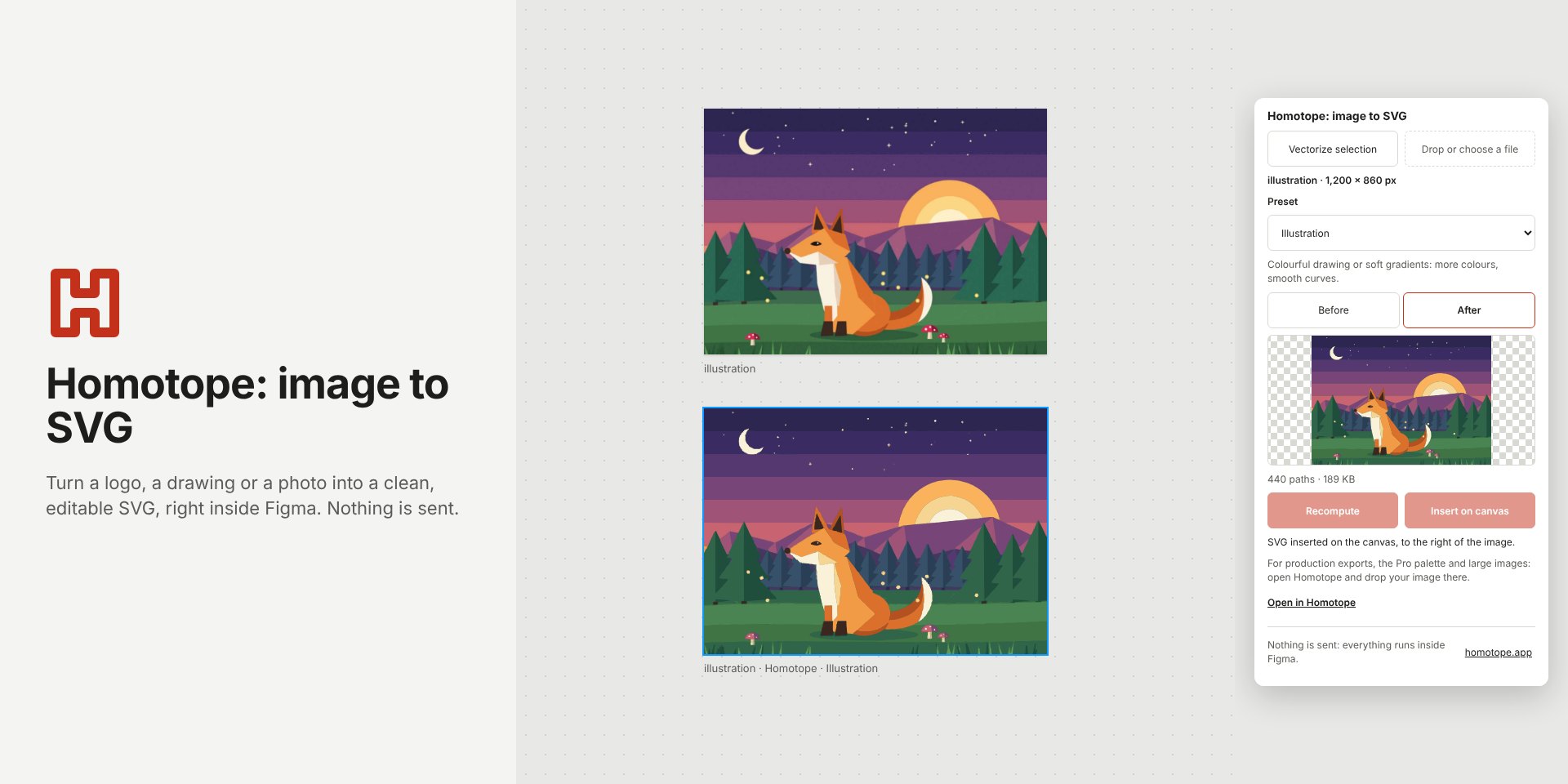
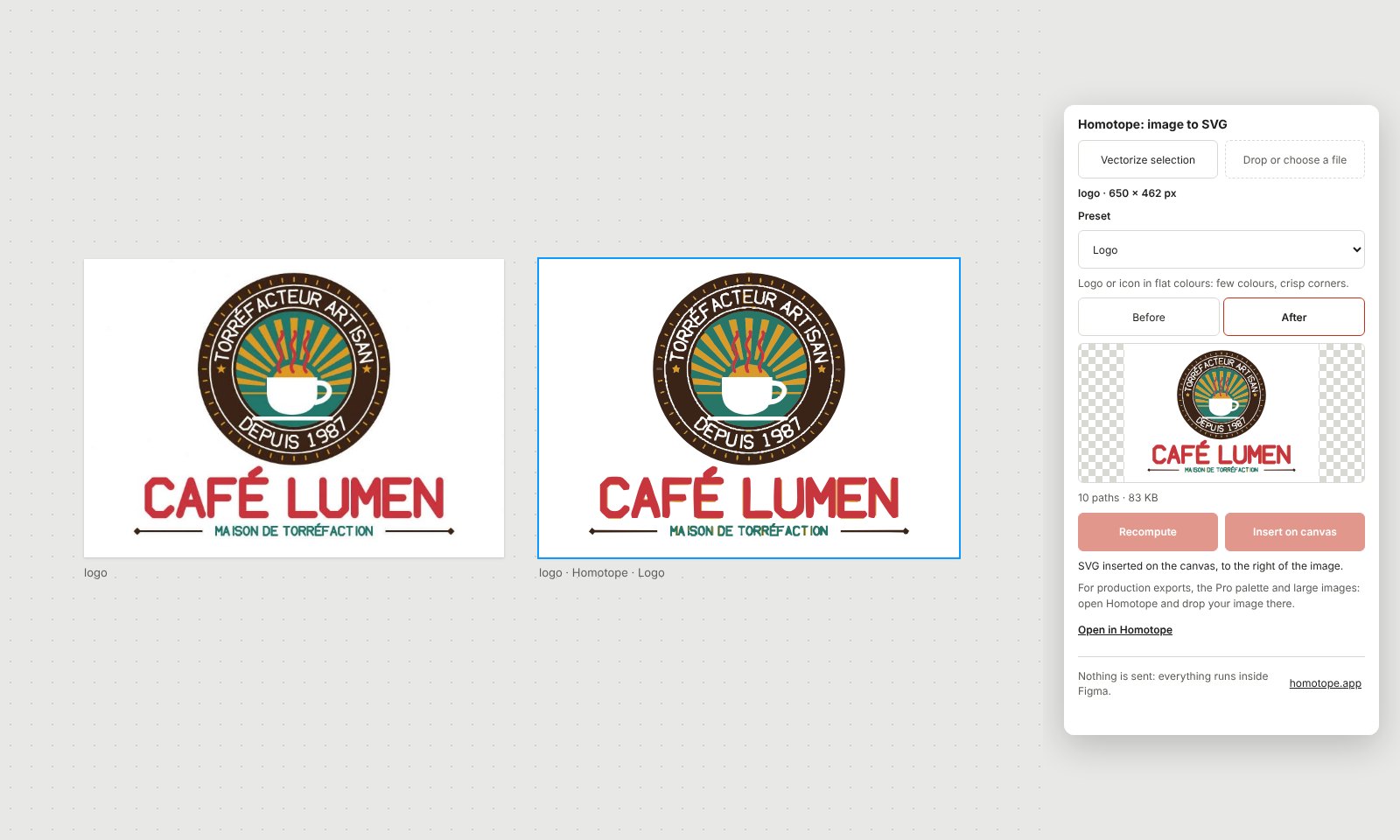
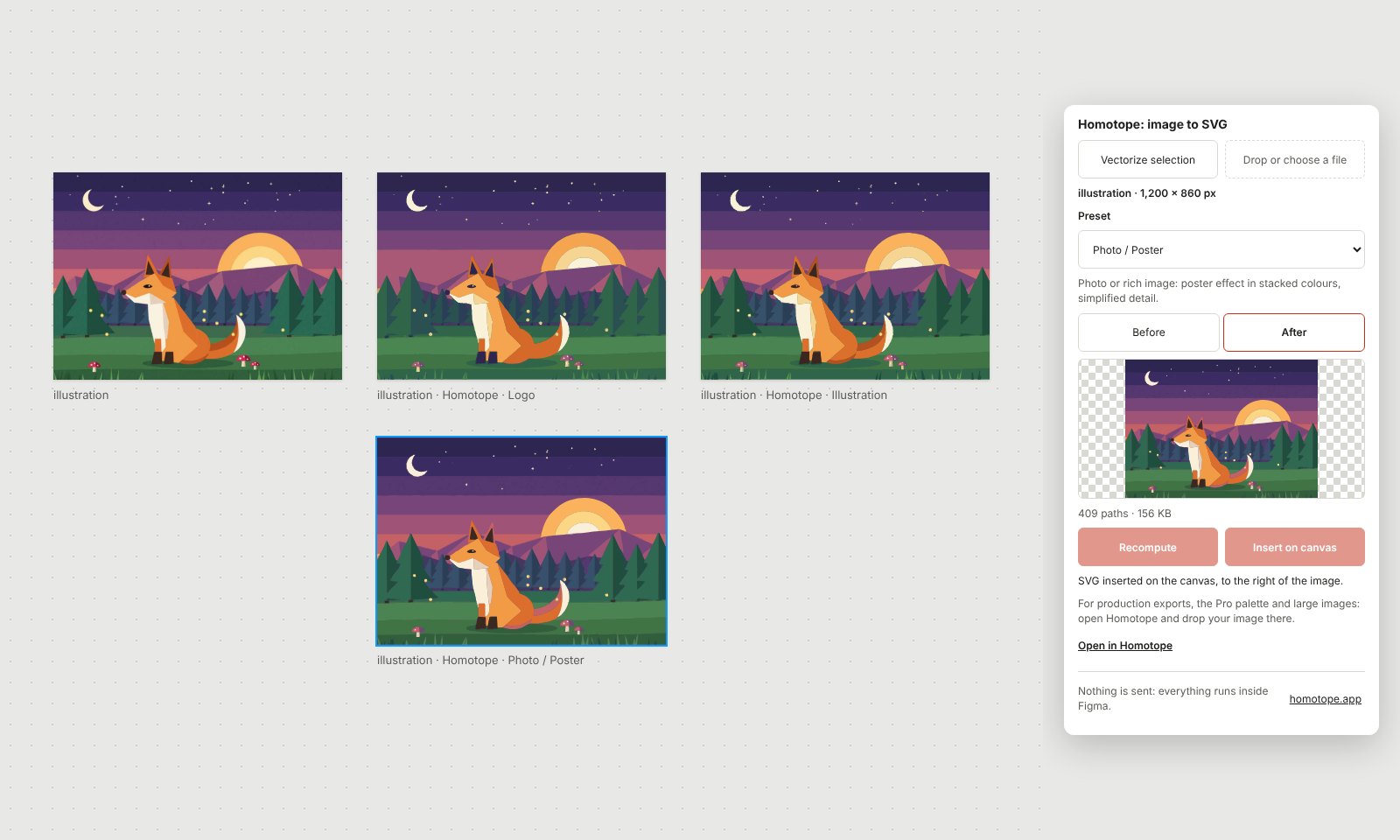
Screenshots of the English interface; the plugin shows in English or French depending on your system language, in English otherwise.
Frequently asked questions
Does the plugin send my images anywhere?
No. Vectorizing happens inside the plugin, on your computer, and the plugin has no network access (allowedDomains: none in its manifest). It only keeps your last preset, locally.
Is the plugin paid?
No: the plugin is free and needs no account. Production exports and the Pro palette are in the workshop, under the plans on the Pricing page.
Do I need a Pro subscription for the plugin?
No. The plugin connects to no account. Pro is for the workshop: unlimited production exports, transparent background and recolouring.
How does the plugin update?
Through Figma: each new version is published on the Figma Community and Figma distributes it; nothing to reinstall on your side.
What about an image above 16 MP?
The plugin offers to scale it down to 16 MP before vectorizing. For full resolution, open the workshop and drop the image there.
More guides
- Convert a PNG to SVG, right in your browser
- Convert a JPG to SVG, without the compression artefacts
- Vectorize a logo: from PNG or JPG to a vector file
- Convert an image to DXF for cutting
- A Vectorizer.AI alternative that never asks you to upload the image
- A Vector Magic alternative that traces without uploading the image
- An Illustrator Image Trace alternative, with nothing to install
- An Inkscape Trace Bitmap alternative, right in your browser
- A clean SVG for Cricut and Silhouette Cameo, from any image
- Logo to DXF for laser cutting: from PNG to a ready file
- Turn an image into an SVG for Cricut, step by step
- Prepare a JPG for laser cutting and engraving
- Embroidery: prepare an image before digitizing
- Colour separation for screen printing, from an image
- Connect Homotope to Claude, ChatGPT or Gemini
- All questions about vectorizing images