How do I turn a photo of a pencil sketch into an SVG?
Updated on
Drop the photo or scan of your drawing into the Homotope workshop and pick Line art for filled shapes you can download as a free SVG, or Single stroke for one line per pass, whose download counts as a production export.
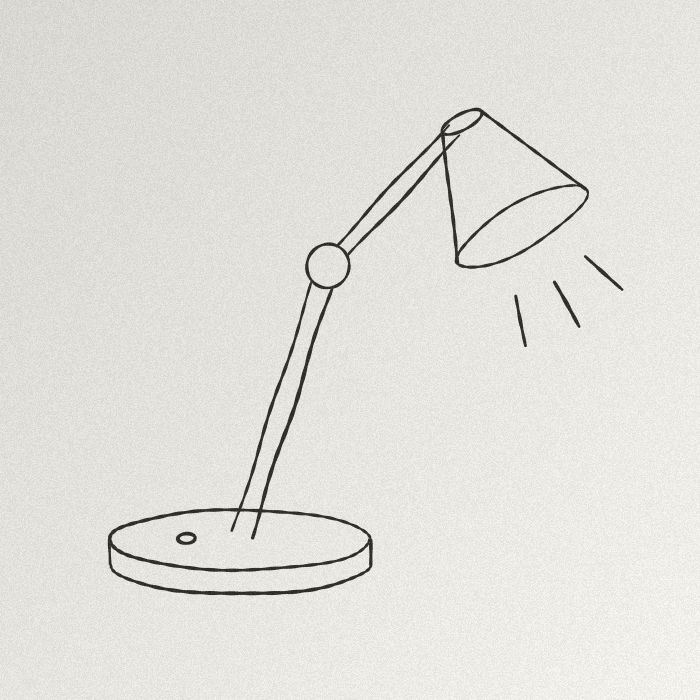 JPG · 700 × 700 px
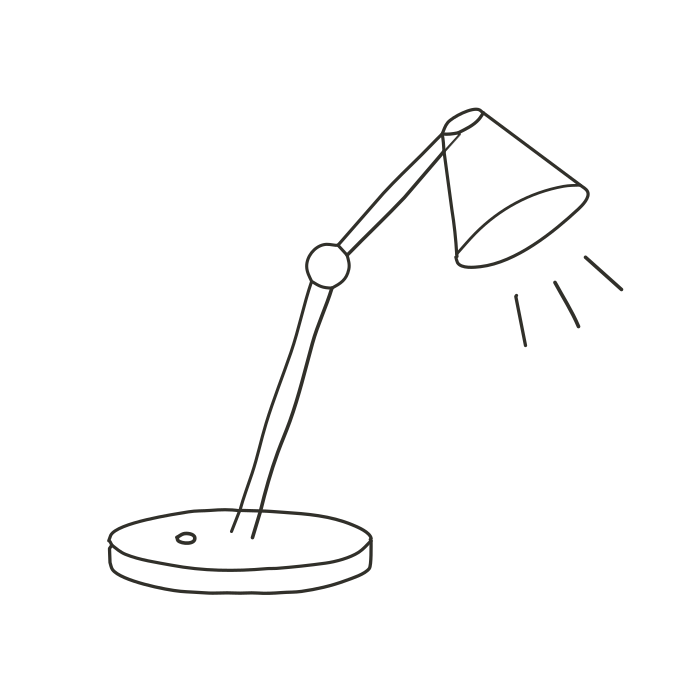 Engine SVG
Filled shapes or a single stroke: two different results
- Line art: each line becomes a filled shape that follows both its edges, with its changes in width. Two colours, paper noise removed. The right choice to print, edit in a drawing program or cut in vinyl. The SVG is free, with no account.
- Single stroke: the workshop traces the axis of each line, one path per pass, at the measured width. This is what a pen plotter or laser line engraving expects (see a single-line file for embroidery or a plotter). Every Single stroke download, SVG included, is a production export.
Production exports (DXF, EPS, PDF, separations): 2 free per month with an account, unlimited with Pro; without Pro, 1 credit each beyond those 2. The details: how much vectorizing costs.
From photo to SVG, step by step
- Photograph the drawing flat, in even light (near a window, with no shadow from your hand or phone), cropped tight. A scan is even better.
- Open the workshop and drop the photo (JPG, PNG or WebP).
- Pick Line art or Single stroke, then compare the original and the result with the slider.
- A very light pencil line disappears? Switch to the Black and white preset and move the “Threshold” slider until the faint lines come back.
- Download the SVG.
Nothing leaves your computer: see vectorize without uploading.
When it does not work well
Pencil shading and hatching turn into solid patches: the workshop keeps two colours, not the shades of grey. Eraser marks, notebook lines or a sketchbook grid are traced like everything else: start from a blank sheet. In Single stroke, very thick lines give wobbly axes; the workshop says so and suggests “Line art”. For a colour scan, see converting a JPG to SVG instead.
Frequently asked questions
Scan or phone photo?
A scan gives even light and flat paper, so less noise. A well-lit photo taken straight from above works too.
Is my drawing uploaded to a server?
No. Processing runs in your browser; the image only leaves it if you save it to your account.
Can I keep the grey shades of the pencil?
Not with these presets, which trace two colours. Illustration keeps more, as flat areas: never a continuous gradient.
Is the Line art SVG really free?
Yes, with no account and no limit, except transparent background and recolouring (Pro). Only production exports (DXF, EPS, PDF, separations, Single stroke) are counted.
Related questions
- How do I vectorize my signature or handwriting?
- How do I vectorize pixel art without it getting smoothed?
- All questions about vectorizing images
- Students: what is free
Guides and conversions
- Convert a PNG to SVG, right in your browser
- Convert a JPG to SVG, without the compression artefacts
- Vectorize a logo: from PNG or JPG to a vector file
- Convert an image to DXF for cutting
- A Vectorizer.AI alternative that never asks you to upload the image
- A clean SVG for Cricut and Silhouette Cameo, from any image
- Logo to DXF for laser cutting: from PNG to a ready file
- Turn an image into an SVG for Cricut, step by step
- Prepare a JPG for laser cutting and engraving
- Embroidery: prepare an image before digitizing
- Colour separation for screen printing, from an image