Prepare a JPG for laser cutting and engraving
Updated on
To go from a JPG to a laser file, trace the image in Homotope, export DXF or SVG (Single stroke preset to engrave a line in one pass) and check it against your beam diameter.
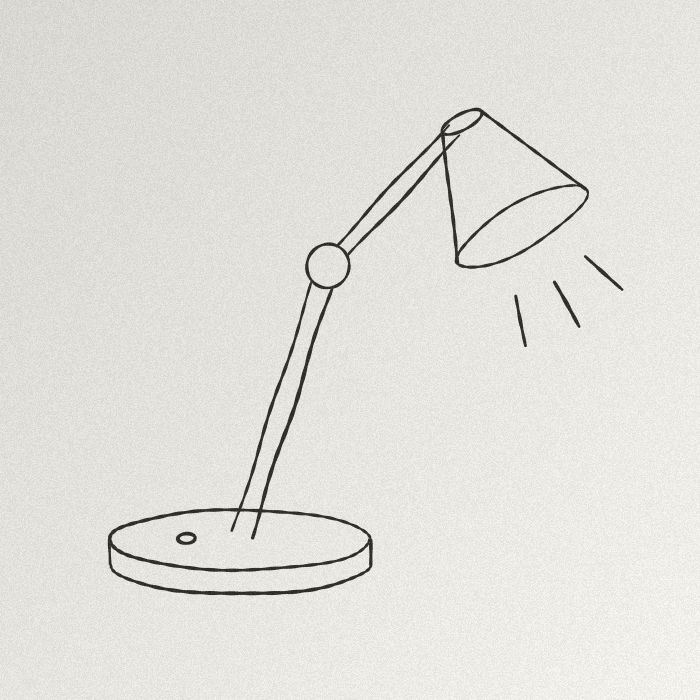 JPG · 700 × 700 px
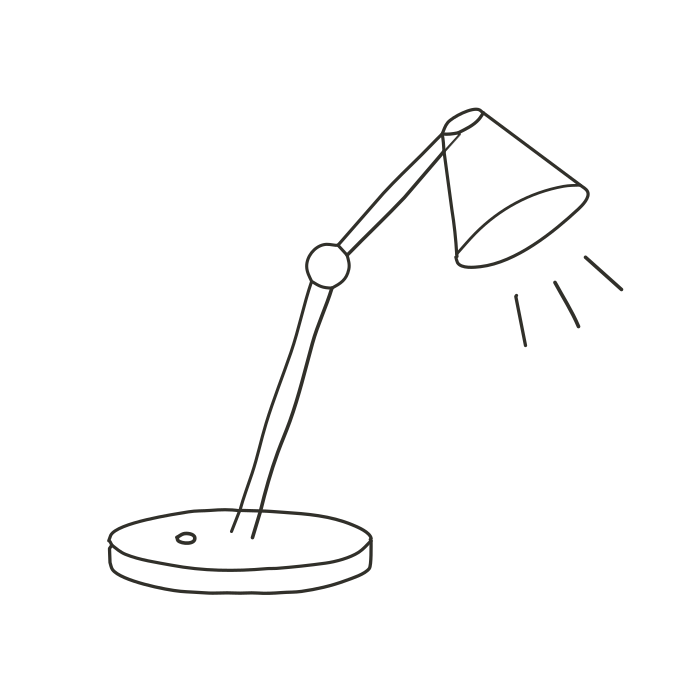 Engine SVG
Cut a shape or engrave a line
The workshop interface is in French; the button names are quoted below in French with their meaning.
- Shape cutting (Logo preset): closed contours, one layer per colour. The laser follows the edge of each flat shape.
- Line engraving (« Trait unique », single stroke preset): Homotope traces the axis of each ink stroke as a single-pass path instead of its two edges. In the DXF, each pass is an open polyline; the width is the tool’s.
The centreline trace also lets you set the minimum width, the length of spurs to remove and the smoothing tolerance.
Homotope traces in your browser: the engine runs on your own machine, in a Web Worker, and your image is sent nowhere unless you save it to your account or ask for a server computation. The workshop opens without an account and without a usage limit: tracing, preview, SVG and PNG exports are free. Fabrication exports (DXF, EPS, PDF, separations): 2 free per month with an account, unlimited with Pro; the conversion stays in your browser.
Steps
- Open the workshop and drop the JPG or PNG.
- Pick Logo (cutting) or « Trait unique » (line engraving).
- In Export, choose DXF (or SVG); leave « Inclure le fond (cadre) » (include background) unticked.
- Open « Prêt pour la découpe ? » and set the tool diameter to your beam.
- Download, import into your machine software, scale.
Before sending the file to the machine, the « Prêt pour la découpe ? » (“ready to cut?”) section of the Export panel analyses the DXF you would download: open contours, overlaps, self-intersections and double cuts (blocking), details finer than your tool diameter, tiny islands and overloaded contours (to check). Clicking a problem highlights it on the preview. « Simplifier pour la découpe » (“simplify for cutting”) writes a separate DXF and leaves your result untouched.
Frequently asked questions
How do I convert a JPG to DXF for a laser?
Drop the JPG into the Homotope workshop, pick DXF in Export and download: R12 DXF in millimetres, one layer per colour.
What is a centreline (centerline) trace?
A trace that follows the axis of a stroke instead of its two edges, so the laser or plotter passes once. In Homotope it is the Single stroke preset.
Can I do a centreline trace online for free?
Yes, in your browser and with no account, with the Single stroke preset of the Homotope workshop: tracing and preview are free. Exporting the single stroke is a fabrication export: 2 free per month with an account, unlimited with Pro.
Which tool diameter should I enter?
The width of your beam or blade; 0.2 mm by default. Finer details are flagged as “to check”.
More guides
- A Vectorizer.AI alternative that never asks you to upload the image
- A clean SVG for Cricut and Silhouette Cameo, from any image
- Logo to DXF for laser cutting: from PNG to a ready file
- Turn an image into an SVG for Cricut, step by step
- Embroidery: prepare an image before digitizing
- Colour separation for screen printing, from an image