How do I vectorize my signature or handwriting?
Updated on
Photograph or scan the signature on white paper, drop it into the Homotope workshop, pick the Black and white or Line art preset, then download the SVG for free: the ink becomes clean shapes at any size.
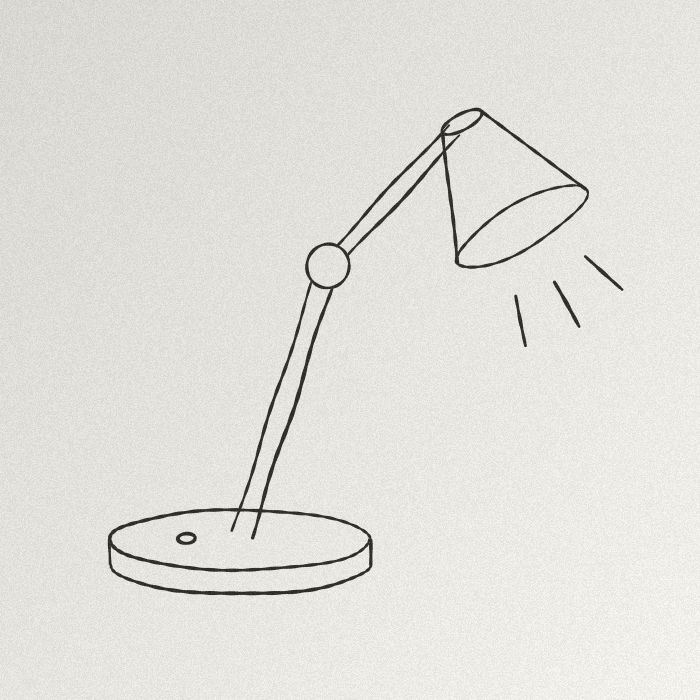 JPG · 700 × 700 px
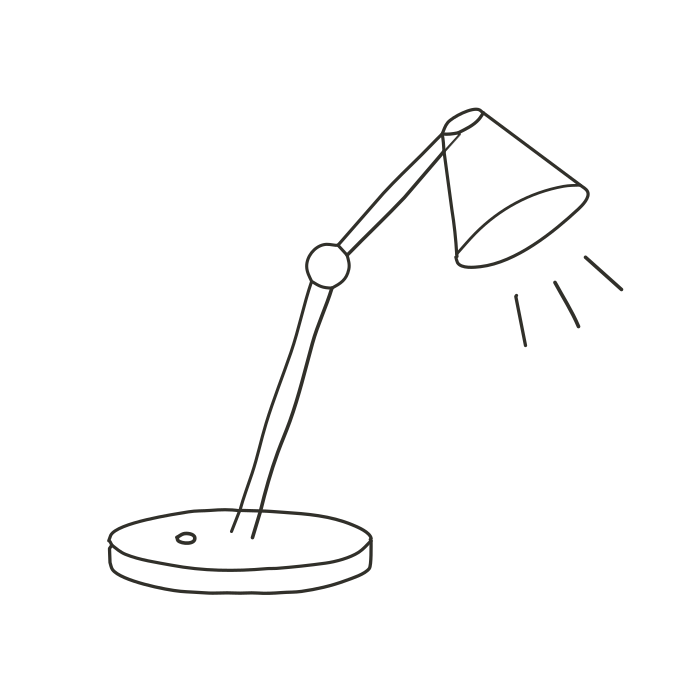 Engine SVG
Steps
- Sign or write with a dark felt-tip or pen on a plain white sheet.
- Photograph it flat, in even light, or scan it; crop tight.
- Drop the image into the workshop and pick Black and white (automatic threshold, adjustable with the “Threshold” slider) or Line art.
- Compare with the slider, then download the SVG or use “Copy SVG”.
The demo below is a sketch traced with Single stroke, not a signature: the principle is the same, a dark line on light paper. For a signature, the filled shapes of Black and white stay closer to the width of the pen.
Nothing leaves your computer: see vectorize without uploading.
What about the white background?
In Black and white there is no background rectangle: the paper becomes a separate white shape, which you can delete in your drawing program. In the workshop, “Make transparent” on the white removes it: the preview is free, the download needs Pro or the 7-day trial (see getting an SVG with no background). A PNG that is already transparent keeps its transparency for free.
Production exports (DXF, EPS, PDF, separations): 2 free per month with an account, unlimited with Pro; without Pro, 1 credit each beyond those 2. The details: how much vectorizing costs.
What it is not
- It is not an electronic signature: an SVG of your signature proves neither your identity nor your consent. To sign a contract, use an e-signature service.
- Vectorize your own signature, or that of someone who asked you to, and do not publish it at large size: a crisp image is easy to copy.
- Handwriting stays a drawing: the text is not recognised or turned into a font. To print it large, see PNG to SVG.
Frequently asked questions
Can I vectorize a signature on my phone?
Yes: the workshop opens in the phone browser, which offers the camera or the gallery, with no app to install.
Is my signature sent anywhere?
No. It is traced in your browser and only leaves your device if you save it to your account.
A pale ballpoint line comes out badly. What can I do?
With Black and white, move the “Threshold” slider until the whole line is back; a black felt-tip is safer.
Related questions
- How do I turn a photo of a pencil sketch into an SVG?
- How do I vectorize pixel art without it getting smoothed?
- All questions about vectorizing images
- Students: what is free
Guides and conversions
- Convert a PNG to SVG, right in your browser
- Convert a JPG to SVG, without the compression artefacts
- Vectorize a logo: from PNG or JPG to a vector file
- Convert an image to DXF for cutting
- A Vectorizer.AI alternative that never asks you to upload the image
- A clean SVG for Cricut and Silhouette Cameo, from any image
- Logo to DXF for laser cutting: from PNG to a ready file
- Turn an image into an SVG for Cricut, step by step
- Prepare a JPG for laser cutting and engraving
- Embroidery: prepare an image before digitizing
- Colour separation for screen printing, from an image